Affiliate disclosure: the "Get this deal" button is an affiliate link to the store. If you buy through it we earn a commission at no extra cost to you. Full policy

Restoration Suite 3 Black Friday pricing is 31% off, which puts Acon Digital's audio restoration bundle at $68 until Nov 17, 2026.
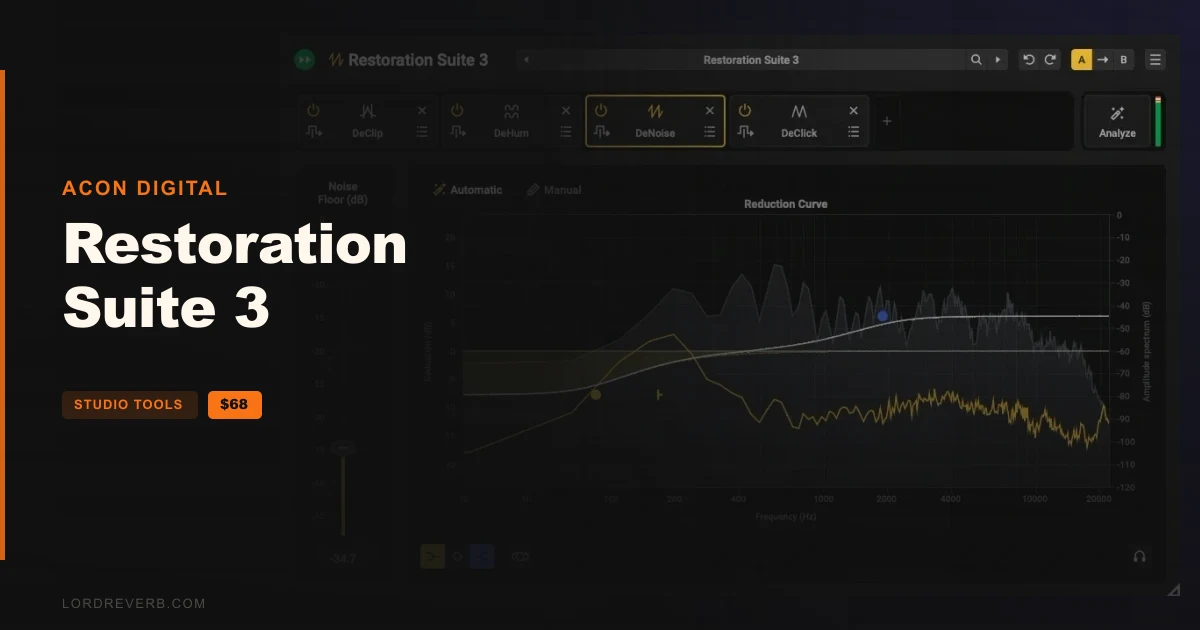
Restoration Suite 3 bundles four studio-grade plug-ins and adds a newly built combined tool that handles everything at once. Together they remove noise, hum, clicks and clipping from a recording without damaging the sound you want to keep.
Owners of Restoration Suite 2 can also get a discounted upgrade.
The package contains the new Restoration Suite 3 Plug-in alongside the individual restoration tools:
The maker sells it as a one-time purchase. No subscription, pay once and own it.
You click Analyze and play a few seconds of your audio. The plug-in works out what is wrong, then adds the modules the material needs.
The maker says this replaces trial and error and stacking plug-ins on hope. You can fine-tune the result at any time.
Both now use AI-based processing. DeNoise 3 removes hiss, wind noise, buzz and camera noise, and its Automatic mode needs no noise profile. Manual mode is there for complex or unusual noise.
DeHum 3 removes hum and buzz from poorly grounded gear or electrical motors. Automatic mode detects the hum for you. Precision mode follows hum that drifts in pitch. Notch mode is the low-CPU, zero-latency option.
In both, stereo images stay intact and you can listen to exactly what is being removed. Both also have refreshed interfaces.
Using the intact audio that surrounds each clipped moment as a guide, the declipper restores what was lost, leaving the underlying voice or music untouched. One click detects the clipping level, and a level histogram shows what will be restored.
You can add headroom for the restored peaks. You can also trade processing load against quality when you need to.
According to the maker, Restoration Suite 3 handles these tasks:
All of this works within a single signal chain, whether the material is dialogue, podcasts, music or archival recordings.
Yes. The Restoration Suite 3 Black Friday deal takes 31% off, so the Acon Digital bundle costs $68 until Nov 17, 2026. Owners of Restoration Suite 2 can also buy a discounted upgrade.
It includes the new Restoration Suite 3 Plug-in, which combines all four tools, plus DeNoise 3, DeHum 3, and tools for click removal and declipping. Pricing is one-time, with no subscription.
No. DeNoise 3 and DeHum 3 use AI-based processing in their Automatic modes, so you don't capture a noise profile or hunt for hum frequencies. Manual mode in DeNoise 3 and Precision mode in DeHum 3 give more control.
You click Analyze and play a few seconds of your audio. The plug-in works out what is wrong and adds the modules the recording needs. You can fine-tune the result afterwards.
Prices and end dates are checked at publishing time and can change, so confirm them at the store before you buy.