Affiliate disclosure: the buy button is an affiliate link to the store. If you buy through it we earn a commission at no extra cost to you. Full policy


The MixChecker Ultra+ Upgrade from MixChecker Pro Black Friday deal is the upgrade route for existing Pro owners, taking 51% off for $19 until Nov 29, 2026.
MixChecker Ultra+ is Audified's mix referencing plugin. It lets you hear your mix through more than 90 simulated real-world playback devices, so you can judge how it translates before you bounce.
The maker lists studio monitors, laptops, car audio systems, headphones, Bluetooth speakers and TVs among the devices.
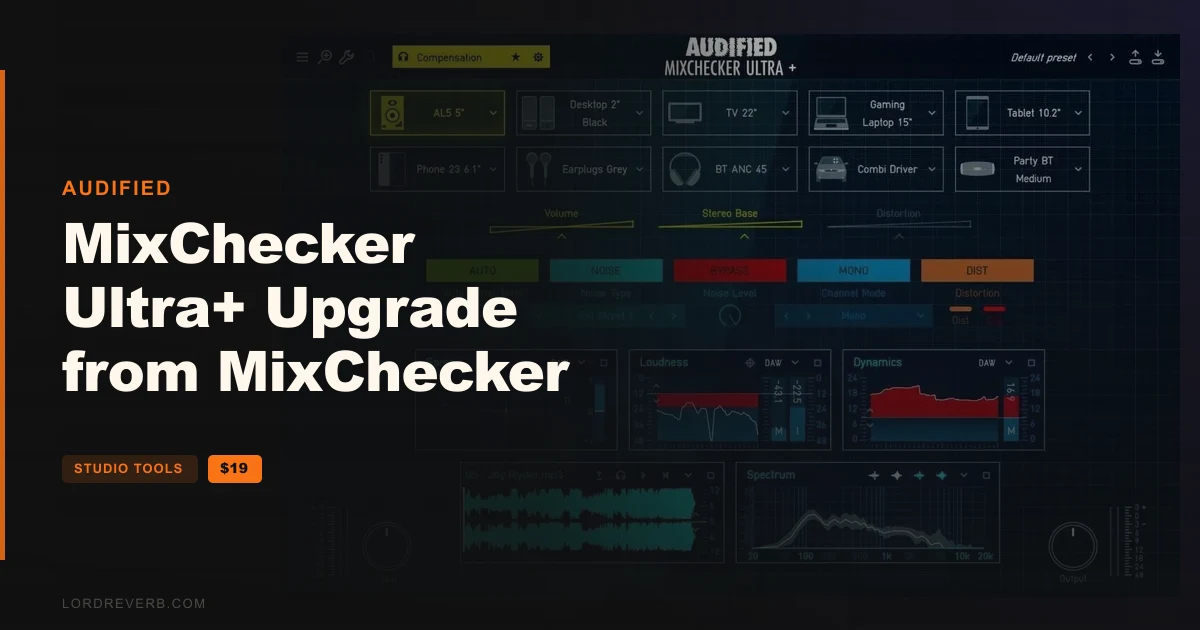
Headphone compensation is the headline addition. It corrects the frequency response of your specific headphone model, so the playback you start from is neutral before you switch between simulated devices.
The device list now includes current consumer gear like laptops, phones and earbuds, plus industry-standard studio monitors and headphones. Club PAs and small Bluetooth speakers are in there too.
The interface is also new, with a workflow Audified describes as faster than before.
Input and output controls come with VU meters on each side. An interactive tutorial opens from the Menu if you need a refresher.
There are 6 modules, and you pick which ones to show. Each can expand to a larger window for more detail.
With a reference loaded, you can see which frequencies and stereo qualities differ from a track you like.
MixChecker first appeared in 2015, and Audified says it sold over 15,000 copies. MixChecker Pro followed in 2017 with 50+ more devices, and the maker reports more than 20,000 copies sold.
MixChecker Ultra+ is available as an upgrade for current MixChecker Pro owners. The standard purchase path is also available here.
Yes. The Black Friday deal takes 51% off, so the upgrade costs $19 until Nov 29, 2026. It is meant for existing owners of MixChecker Pro, and the standard purchase path is also available on the same page.
Audified lists 90+ devices against Pro's 60+, plus headphone compensation, an IR loader for your own impulse responses, a new GUI and improved workflow, and an analysis section with a reference-track Player module.
It corrects the frequency response of your specific headphone model. That gives you a neutral, predictable starting point before you switch between simulated devices, so the headphones' own tonal coloring colors the mix less.
Six modules: Loudness, Dynamics, Spectrum, Gonio, Stereo and Player. Loudness includes streaming-service presets, and the Player loads a WAV or MP3 reference so you can compare your mix against it in each module.
Prices and end dates are checked at publishing time and can change, so confirm them at the store before you buy.
Not signed in to Spotify? You hear 30 second previews. Signed in, you hear the full tracks.
Send your track and tick the Mixtape box. If we pick it, it joins this playlist and plays for everyone who opens the player.