Affiliate disclosure: the buy button is an affiliate link to the store. If you buy through it we earn a commission at no extra cost to you. Full policy

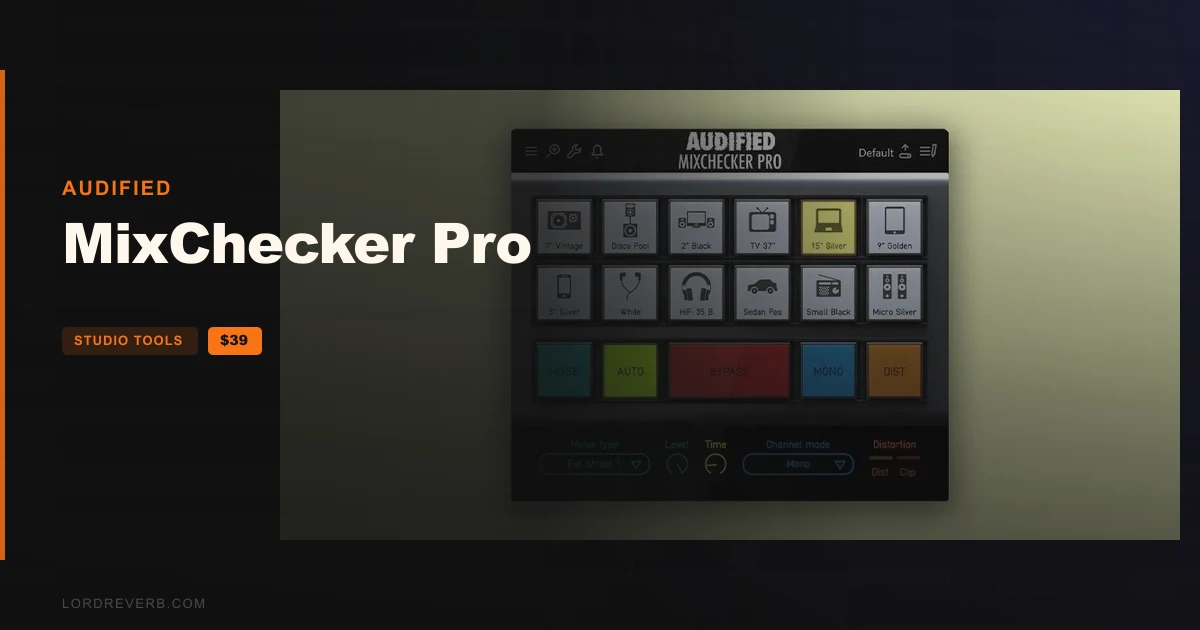
MixChecker Pro Black Friday pricing from Audified is 60% off, so this mix-referencing plugin costs $39 until Nov 29, 2026.
It turns your studio monitors into the devices your listeners actually use, so you can hear a mix on a phone, a TV or a club PA without leaving your DAW.
The plugin simulates consumer playback devices and their listening conditions. According to the maker, it adds background noise and models the distortion and narrow stereo base of real-world listening.
Audified says every device was measured in laboratory conditions, and the processing engine is new. The maker describes it as phase linear with lower latency than the original MixChecker, and with no simple impulse responses inside.
The original MixChecker covered only the linear behaviour of devices. Audified added modelling of non-linear behaviour on top, drawing on its experience with speaker, amp and preamp distortion.
The devices are sorted into categories:
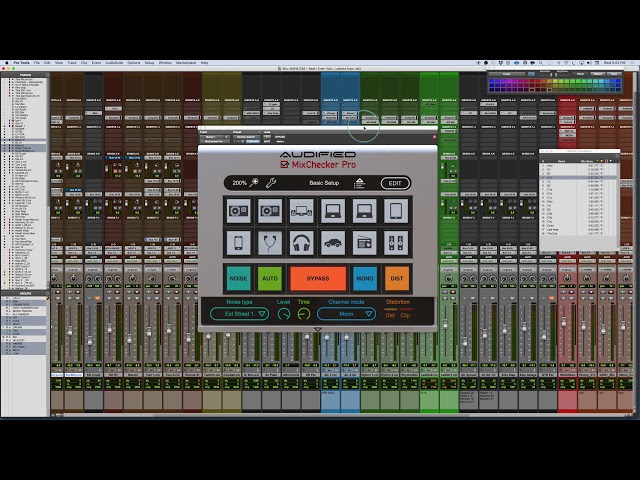
Edit mode lets you assign any simulated device to any button. Each button gets its own distortion amount, stereo base width and volume. You can use the same device on several buttons with different settings and give each one a custom label.
Sets of simulations can be saved as button sets. Drag your chosen simulations onto the buttons in any order, then leave Edit mode and work like the original MixChecker.
The background noise has adjustable volume. When you pick a headphone simulation, the maker says the noise is routed through the headphones and ears, so you hear the mix and the outside sound together.
On Mac, it runs on macOS 10.11 or newer, Intel and Apple Silicon, in VST3, AU and AAX. On Windows, it needs Windows 7 or newer in VST3 and AAX.
Both platforms are 64-bit only and need 120MB of disk space and at least 4GB of RAM. The software will not run on 32-bit systems.
Yes. The MixChecker Pro Black Friday deal takes 60% off, bringing it to $39. The offer ends Nov 29, 2026. It is a plugin for checking your mix on simulated consumer devices such as phones, TVs, laptops and headphones.
It comes with simulations of studio monitors, PA systems, desktop and laptop speakers, TVs, tablets, smartphones, and in-ear and on-ear headphones. Features include device distortion, background noise, auto advance, advanced stereo modes and remote control from a browser, iOS or Android.
The plugin comes as VST3 and AAX on Windows 7 or newer, and as VST3, AU and AAX on macOS 10.11 or newer, Intel and Apple Silicon. It is 64-bit only and needs 4GB of RAM and 120MB of disk space.
You can add background audio at an adjustable volume. When you pick a headphone simulation, the maker says the noise's path through the headphones and ears is modelled, so you hear the mix and the outside sound blended together.
Prices and end dates are checked at publishing time and can change, so confirm them at the store before you buy.
Not signed in to Spotify? You hear 30 second previews. Signed in, you hear the full tracks.
Send your track and tick the Mixtape box. If we pick it, it joins this playlist and plays for everyone who opens the player.