Affiliate disclosure: the buy button is an affiliate link to the store. If you buy through it we earn a commission at no extra cost to you. Full policy

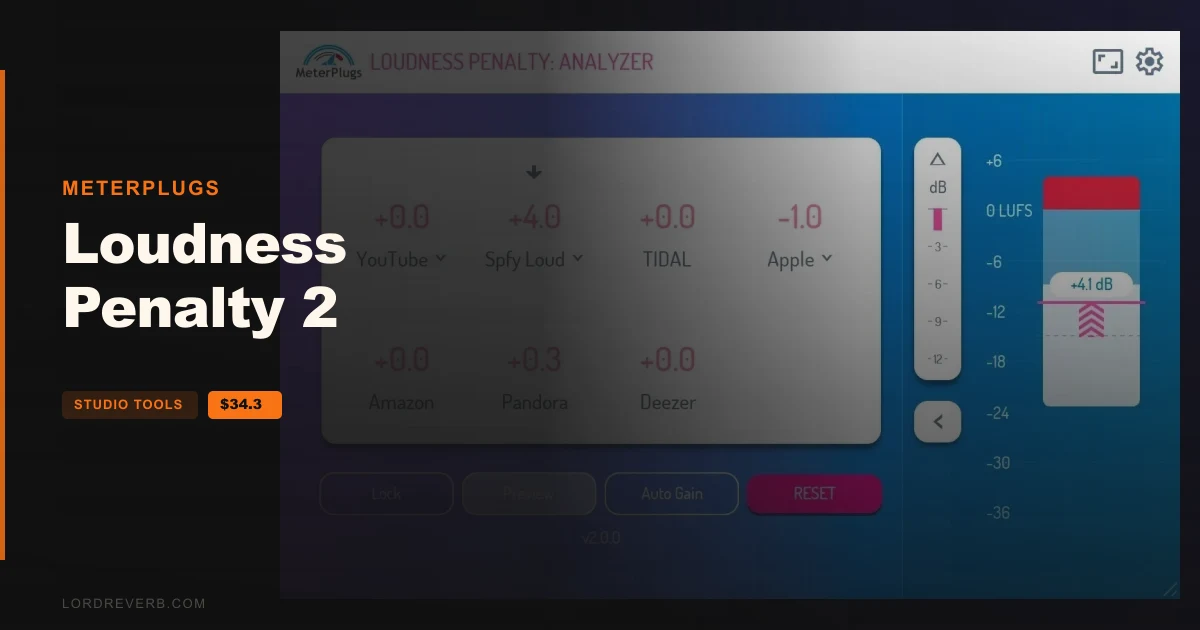
The Loudness Penalty 2 Black Friday deal from MeterPlugs takes 30% off this metering plugin, which brings it to $34.30 until Nov 30, 2026.
Loudness Penalty is a metering plugin that shows how much online streaming services will turn your music down. It covers YouTube, Spotify, Apple Music, Amazon Music, TIDAL, Deezer and Pandora, and it runs inside your DAW.
Streaming services lower loud music so listeners get a more consistent level from track to track. The plugin shows that adjustment before you upload.
The maker lists five changes in version 2:
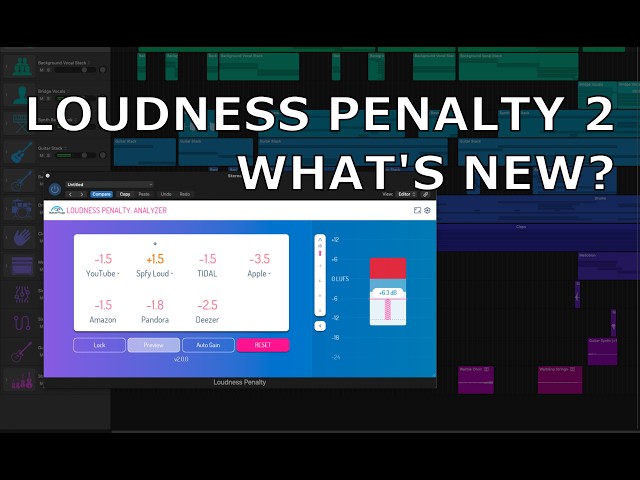
When a Spotify listener picks the Loud volume preference, quieter songs get turned up and a limiter steps in to stop clipping. Preview mode emulates that limiter and shows the gain reduction in real time.
The delta button plays back only the material the limiter is removing, so you can judge the result before the track goes live.
The block view displays max true peak, integrated loudness and loudness range as you play. In Preview mode it also shows how each streaming service will adjust your gain, and what that does to the overall loudness picture.
That answers two questions at a glance: will your peaks get clipped, and will the song go up or down?
The size dropdown in the header offers presets, or you can drag a corner to resize. The compact list view trims everything to a single column that can sit beside a busy session.
The maker says the plugin replaces target-chasing. Instead of aiming for a figure like -14 LUFS, you get measured feedback and a live preview. You can also find the moments in a song that trigger the biggest penalty, and see when there is headroom to turn up without one.
Other features include Spotify Quiet, Normal and Loud modes, YouTube Music and YouTube Video modes, and a lock button to freeze measurements. Pro Tools users get faster-than-realtime processing in AudioSuite.
The name is deliberate. The maker calls it a little provocative but accurate: the louder your music is, the more the services turn it down.
Yes. The Loudness Penalty 2 Black Friday deal takes 30% off MeterPlugs' metering plugin, bringing it to $34.30. The offer ends Nov 30, 2026.
It covers YouTube, Spotify, Apple Music, Amazon Music, TIDAL, Deezer and Pandora. Spotify has Quiet, Normal and Loud modes, and YouTube has Music and Video modes, each with its own realtime score.
It emulates the limiter Spotify applies when a listener picks the Loud volume preference, and shows its gain reduction in real time. The delta button plays only what the limiter removes, so you hear its effect before uploading.
Yes. The maker says you can preview how your music will sound online without leaving your DAW. The compact list view is small enough to sit beside a busy session, and Pro Tools users get faster-than-realtime AudioSuite processing.
Prices and end dates are checked at publishing time and can change, so confirm them at the store before you buy.
Not signed in to Spotify? You hear 30 second previews. Signed in, you hear the full tracks.
Send your track and tick the Mixtape box. If we pick it, it joins this playlist and plays for everyone who opens the player.