Affiliate disclosure: the "Get this deal" button is an affiliate link to the store. If you buy through it we earn a commission at no extra cost to you. Full policy

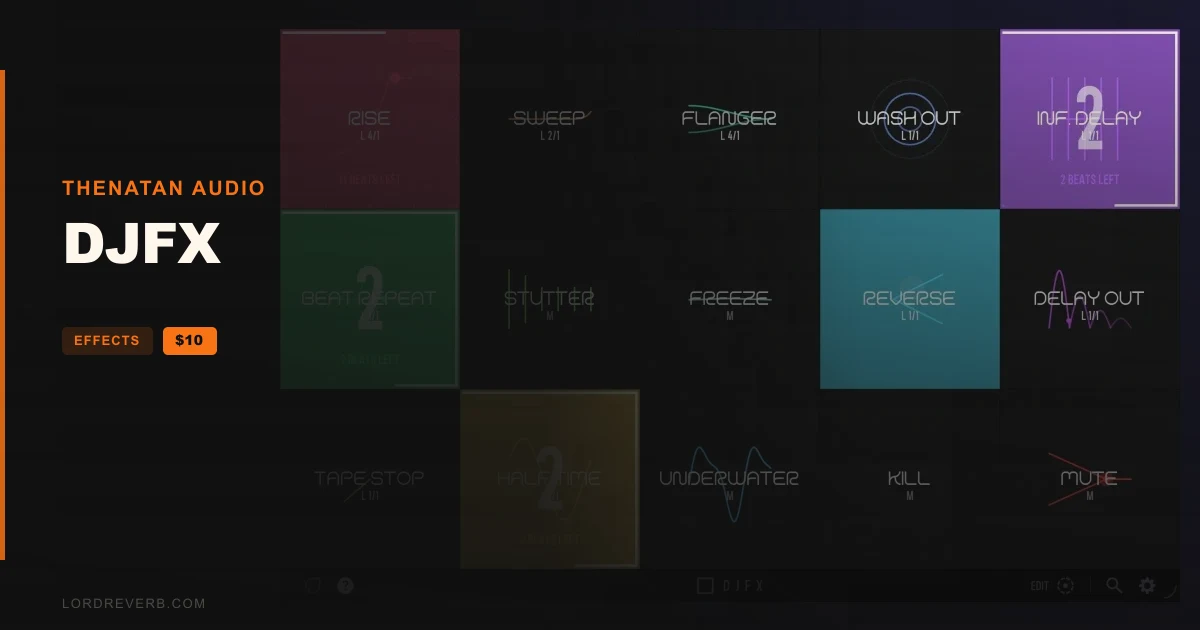
The DJFX Black Friday deal from Thenatan Audio is 88% off, bringing this one-button transition plugin to $10 until Nov 19, 2026.
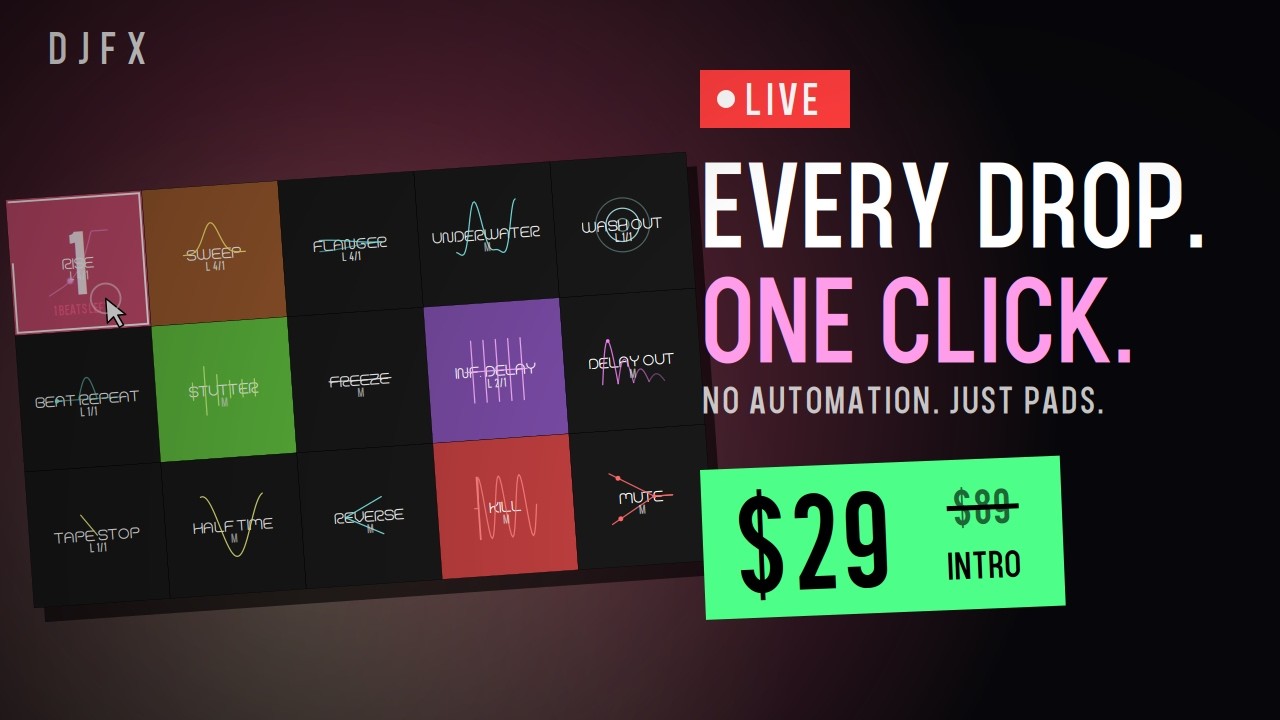
DJFX is a multi-effect plugin for Mac and Windows that puts 15 transition effects on 15 pads. The maker says each pad is a finished move the moment you hit it, with no automation lanes, effect racks or routing to set up first.
Every pad covers one classic transition. Tape stop, rewind, roll, filter dive, echo throw, build and drop are all there, ready to fire live or inside an arrangement.
It works on a single track, a bus or your whole master. Put it on a send or the stereo bus and DJFX does the rest.
The 15 transitions:
Pads are colour-coded, one colour per effect, so your hands can find them without a second look.
Set any pad to Momentary, where you hold it, or Latch, where you tap it once. Once a pad is latched, the effect holds off until the next downbeat, stays active for whatever duration you've chosen, and releases right as the bar ends.
Hit it early or late and it still lands on the one. A badge on each pad shows M or L, so you can see which pads will move on their own.
The beat counter shows where you are. A red lap pulses while the pad waits, a white lap eats each beat tick as it runs, a big 4-3-2-1 punches in over the last bar, and a white flash marks the release. Every running pad also gets a live beats-left readout.
Rise builds a riser from your own track instead of a stock noise sample. There are 10 flavours: Verb, Flut, Pitch, Glitch, Pan, Comb, Shepard, Tape, Chop and 8-Bit.
Mute is a clean cut to silence, for the gap right before a drop. Latch Rise two bars out and the counter brings you in.
Yes. Every pad can be automated from your DAW, so you can write DJ-style moves straight into a finished arrangement without touching a knob.
The maker pitches it beyond DJ sets: house, techno, trap, hip-hop, pop, EDM, drum & bass, afro house, and film and trailer work, from remixes to pre-drop FX.
Drag any pad onto another to swap places and build a layout around your controller. The layout is saved with your presets.
The built-in browser handles save, load, rename and delete, with previous/next arrows and a one-click Init. A Save CPU mode is meant to keep DJFX light enough to sit on your master for a whole set.
The interface is a 5 x 3 grid of flat pads with no tabs or hidden pages, each with a live animation of its effect. It resizes to fit your screen.
In the box: the DJFX plugin in VST2, VST3 and AU formats, factory presets and a full PDF user manual covering every pad, installation and activation.
Yes. The DJFX Black Friday deal from Thenatan Audio is 88% off, which brings the plugin to $10. The offer ends Nov 19, 2026. It is a one-button transition plugin with 15 pads for Mac and Windows.
You get the DJFX plugin in VST2, VST3 and AU formats, a set of factory presets ready to load, and a full PDF user manual. The manual explains every pad and walks through installation and activation.
DJFX comes as VST2, VST3 and AU, built for both Mac and Windows. Every pad can also be automated from your DAW, so you can write transitions straight into an arrangement.
Set a pad to Latch and tap it once. It waits for the next downbeat, runs for the length you set, then releases on the bar. Momentary mode works while you hold the pad. A badge shows M or L.
Prices and end dates are checked at publishing time and can change, so confirm them at the store before you buy.