Affiliate disclosure: the buy button is an affiliate link to the store. If you buy through it we earn a commission at no extra cost to you. Full policy

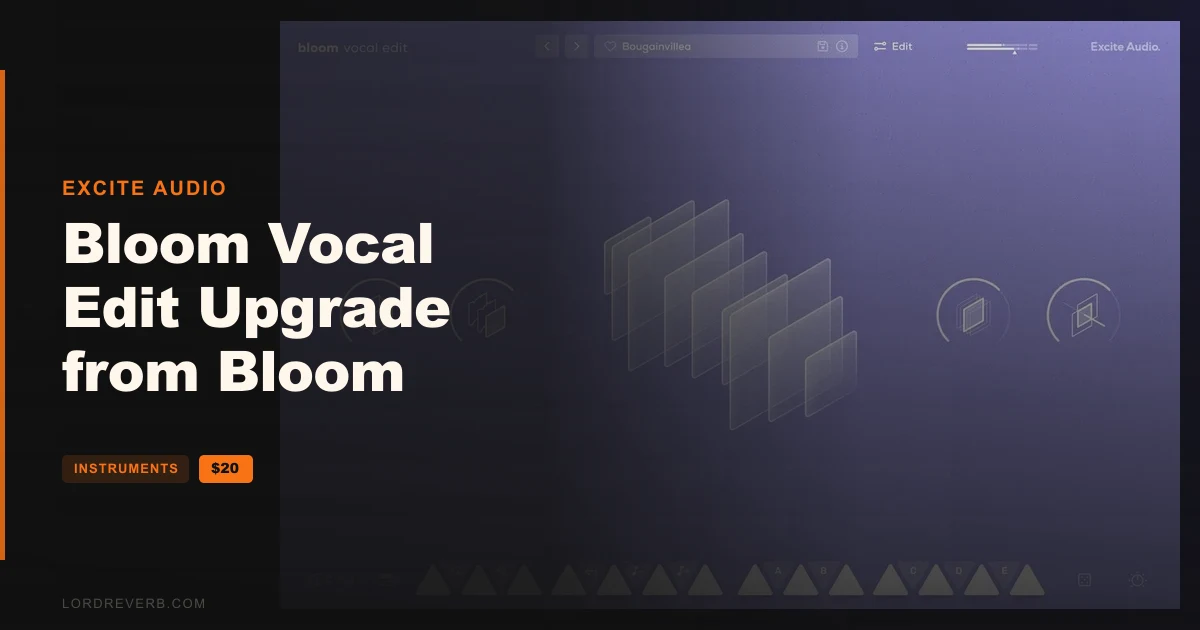
Bloom Vocal Edit Upgrade Black Friday: the step up from Bloom Vocal Edit Lite to the full instrument is 33% off, so it costs $20 until Nov 30, 2026.
This is a Bloom Vocal Edit Lite upgrade for existing Lite owners only. Excite Audio also sells the full Bloom Vocal Edit as a standalone product.
Bloom Vocal Edit is a vocal chop instrument built around hooks, one-shots and chopped phrases. The maker says it is aimed at modern electronic, hip-hop and pop productions.
The maker lists these additions over Lite:
The full instrument ships with 250 presets.
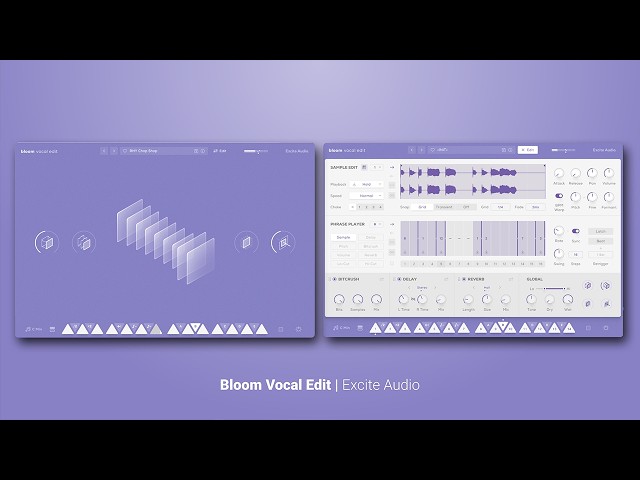
Pick a key signature, then choose a bank or a preset. Fourteen bpm-synced phrases are spread across two octaves.
White keys fire vocal samples and loops. Black keys change things like playback speed and pitch, and they also trigger sequences and effect modulation.
Four macro controls drive the effects chain. Glue smooths dynamics, Fuzz adds pedal-style distortion, Metallic gives a short slapback delay, and Doubler widens the stereo image with an ensemble effect.
There are eight banks, each holding a different type of vocal element, with 14 source samples per bank. The Edit page lets you change pitch, formant, and the attack and release of the envelope. You can also set up choke groups.
To bring in your own audio, drag files onto the waveform view or into an empty slot on the banks page. Set the key and BPM so they sit with the Bloom engine.
The Phrase Player assigns one of the five black keys to a sample pattern. It modulates pitch, velocity and hi-cut and lo-cut filters. Rate, Latching and Swing work like a familiar arpeggiator.
Three effects modules are built in: Bitcrush for lo-fi edge, Delay for rhythmic echoes, and Reverb for depth.
The maker positions Vocal Edit as the bolder sibling of Bloom Vocal Aether, which it describes as focused on smooth, atmospheric background vocals.
Yes. The Bloom Vocal Edit Upgrade Black Friday deal takes 33% off, so Bloom Vocal Edit Lite owners pay $20 for the upgrade. The deal ends Nov 30, 2026. It is only for people who already own the Lite version.
Over 150 extra presets and over 50 new vocal samples, plus randomise, Banks View, Sampler Edit, your own sample import, the Phrase Player and rearrangeable FX modules. The full instrument carries 250 presets in total.
It comes as VST, VST3, AU, AAX and Standalone. Supported DAWs include Ableton Live, Pro Tools, Logic Pro, FL Studio, Cubase, Nuendo, Reaper and Reason. It is 64-bit only, and Windows needs version 7 or higher.
Yes. Drag audio files onto the waveform view on the Edit page or into any empty slot on the banks page. Set each sample's key and BPM so it blends with the Bloom engine.
Prices and end dates are checked at publishing time and can change, so confirm them at the store before you buy.
Not signed in to Spotify? You hear 30 second previews. Signed in, you hear the full tracks.
Send your track and tick the Mixtape box. If we pick it, it joins this playlist and plays for everyone who opens the player.