Affiliate disclosure: the buy button is an affiliate link to the store. If you buy through it we earn a commission at no extra cost to you. Full policy

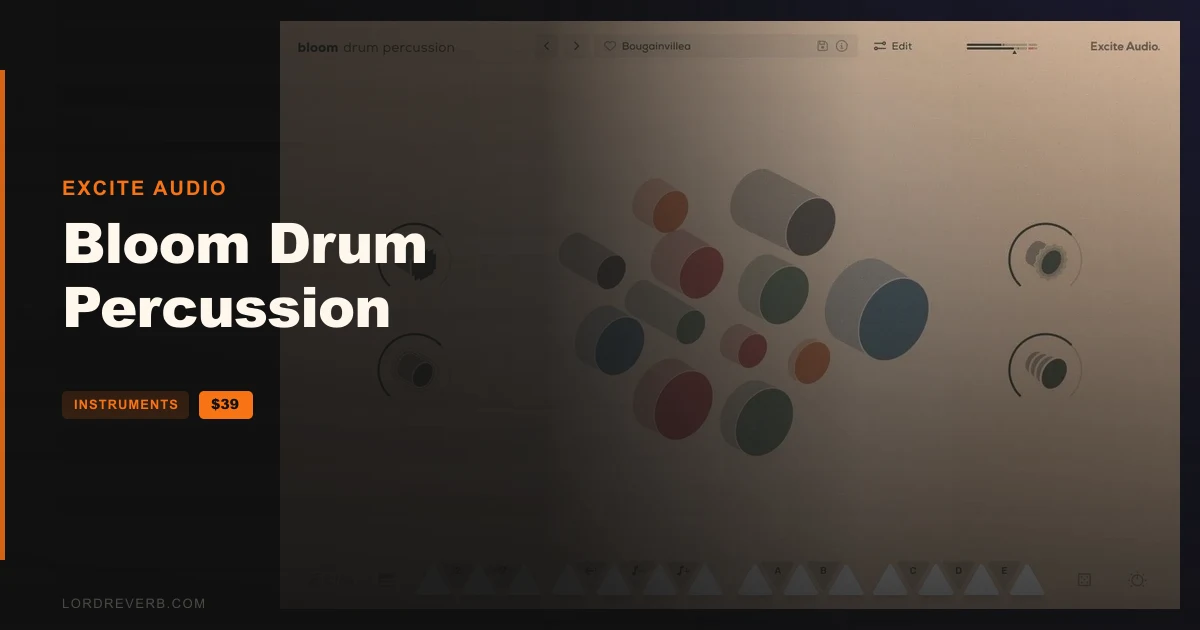
Bloom Drum Percussion Black Friday pricing takes 33% off Excite Audio's Latin and African percussion instrument, which brings it to $39 until Nov 30, 2026.
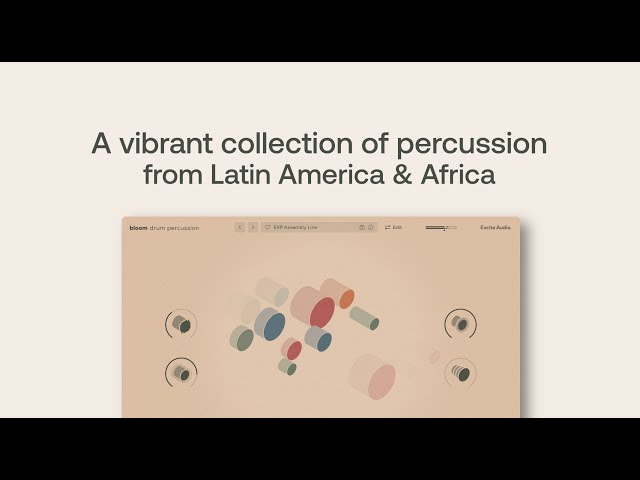
The instrument is built from hand-played percussion, covering everything from the low end of djembes and surdos up to the bright snap of bongos and the sparkle of shakers and tambourines.
It ships as a VST, VST3, AU, AAX and Standalone plugin, so it loads in Ableton Live, Pro Tools, Logic Pro, FL Studio, Cubase, Nuendo, Reaper, Reason and more.
The maker lists five groups of sounds:
Timbales, tantans and talking drums add melodic movement, according to Excite Audio.
Set your tempo, pick a bank or a preset, and trigger from 14 BPM-synced samples spread across two octaves.
White notes fire drum samples and loops. Black notes change things like playback speed and pitch, and they also trigger sequences and effect modulation.
There are 8 sample banks, sorted into categories, and you can drag sounds from a bank onto any of the 14 white notes.
The Bloom Sequencer is made for triggering and layering one-shots and looping sequences, and the modulation section lets you automate pitch, volume, filter settings and the three effects.
Four macros steer a specialised effects chain: Lo-Fi, Drive, Slap Delay and Multi Delay.
Three effects modules sit underneath. Noise adds texture. Dynamics handles transients, compression and gating. Reverb offers Hall, Plate and Spring algorithms from the Lifeline Series.
There are 250 presets covering traditional and modern percussion styles.
Your own recordings can be loaded by dragging them onto the waveform display in the Edit page, or by dropping them into a vacant bank slot. For each sample, enter its tempo and pitch so the Bloom engine can keep it in sync.
It is 64-bit only, and the maker recommends a buffer size of 512 samples or higher.
Windows 7 or higher is supported, with VST, VST3, AAX and Standalone formats on that platform.
An internet connection is needed to authorise the software.
Yes. The Bloom Drum Percussion Black Friday deal takes 33% off Excite Audio's percussion instrument, so it costs $39 until Nov 30, 2026. Details of what you get are below.
You get hand-played Latin and African percussion across 8 banks of loops, one-shots and rhythm patterns, plus 250 presets, a sequencer, three effects and four macros. Instruments run from congas and djembes to maracas, agogos and samba whistles.
It comes as VST, VST3, AU, AAX and Standalone. Supported DAWs include Ableton Live, Pro Tools, Logic Pro, FL Studio, Cubase, Nuendo, Reaper and Reason. It is 64-bit only, and a 512-sample buffer or higher is recommended.
Yes. To load your own sounds, drop the files onto the waveform view in the Edit page, or onto a vacant pad on the banks screen. Then enter each sample's key and tempo so the Bloom engine can match it to the rest of your material.
Prices and end dates are checked at publishing time and can change, so confirm them at the store before you buy.
Not signed in to Spotify? You hear 30 second previews. Signed in, you hear the full tracks.
Send your track and tick the Mixtape box. If we pick it, it joins this playlist and plays for everyone who opens the player.